Have you ever wanted to go for a run, pop to the shops, or walk the dog without carrying your bulky smartphone? A Smart Watch With Sim capability makes that possible, offering true untethered freedom. This isn’t just about getting notifications on your wrist; it’s about having a fully functional communication device right where you need it. At Yhslj.com, we’ve spent over a decade testing and analyzing these incredible gadgets, and this guide will walk you through everything you need to know to cut the cord and embrace a more streamlined, connected life.
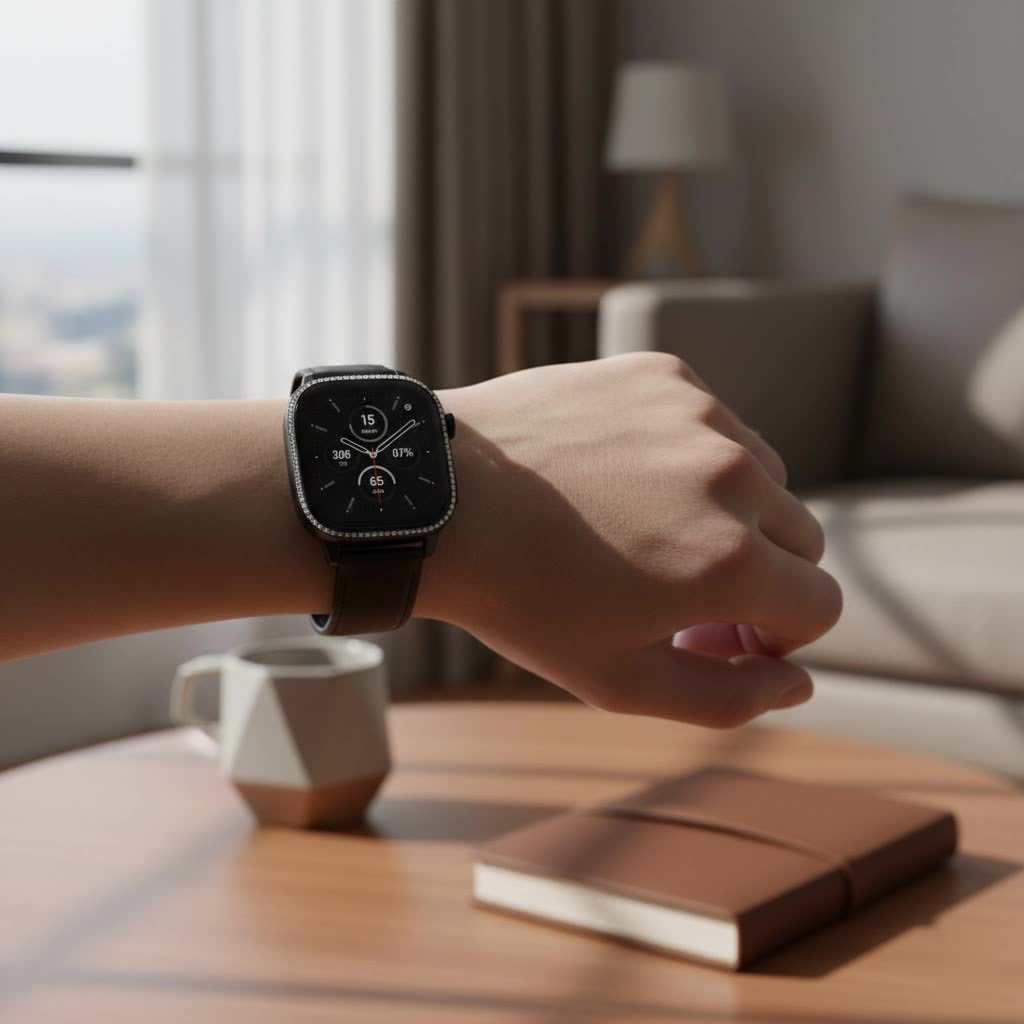
What Exactly is a Smart Watch with SIM Capability?
A smart watch with SIM functionality, often called a “cellular” or “LTE” smartwatch, is a wearable device that can connect directly to a mobile network without needing to be paired with a smartphone via Bluetooth. This independent connection allows it to make and receive calls, send texts, stream music, and use apps that require an internet connection, all on its own.
There are two main ways these watches achieve this:
- eSIM (Embedded SIM): This is the most common method in modern smartwatches. An eSIM is a digital SIM card that is built into the device’s hardware. You activate it by scanning a QR code or through your carrier’s app, linking your watch to your mobile plan.
- Physical SIM Card Slot: Less common in premium smartwatches but sometimes found in budget or specialized models, these watches have a tiny tray for a physical nano-SIM card, just like a phone.
Essentially, a cellular smartwatch has its own mobile data connection, transforming it from a phone accessory into a standalone device.
Why You Should Consider a Cellular Smartwatch
The convenience of leaving your phone behind is the biggest selling point. But what does that look like in practice? Imagine these scenarios:
- Fitness Freedom: Track your run or bike ride with GPS, stream your workout playlist, and still be reachable for emergency calls, all without a phone bouncing in your pocket.
- Peace of Mind: If your phone’s battery dies or you accidentally leave it at home, you’re not cut off from the world. You can still make important calls or use maps to find your way.
- Minimalist Outings: Heading to the beach, a concert, or a quick errand? A smartwatch is all you need for payments, communication, and music.
- Safety for Kids and Seniors: A smartwatch with SIM can be a great way for children or elderly family members to stay in touch and use features like SOS alerts without the complexity of a smartphone.
“The goal of wearable technology is to integrate seamlessly into your life,” says David Chen, a senior wearable tech analyst at Yhslj.com. “A smart watch with cellular connectivity achieves this by removing the dependency on a primary device. It’s about empowering the user with choice and freedom in any situation.”
Key Factors Before Buying a Smart Watch with SIM
Choosing the right cellular smartwatch involves more than just picking a brand. You need to consider a few crucial technical details to ensure it works for you.
Carrier Compatibility and Plans
|
Our Picks for the Best Smart Watch in 2026
As an Amazon Associate I earn from qualifying purchases.
|
||
| Num | Product | Action |
|---|---|---|
| 1 | WHOOP 5.0/MG Activity Tracker - 12 Month Membership - Health and Fitness Wearable – 24/7 Activity and Sleep Tracker, Personalized Coaching, Menstrual Cycle Insights – 14+ Days Battery Life |

|
| 2 | Amazfit Bip 6 Smart Watch 46mm, 14 Day Battery, 1.97\" AMOLED Display, GPS & Free Maps, AI, Bluetooth Call & Text, Health, Fitness & Sleep Tracker, 140+ Workout Modes, 5 ATM Water-Resistance, Black |
|
| 3 | Smart Watch(Answer/Make Call), 1.91\" Smartwatch for Men Women, NEW Fitness Watch with 110+ Sport Modes, Fitness Activity Tracke with Pedometer/Sleep Monitor/Heart Rate/IP68 Waterproof, for Android iOS |
|
| 4 | Garmin Forerunner 55, GPS Running Watch with Daily Suggested Workouts, Up to 2 Weeks of Battery Life, Black - 010-02562-00 |
|
| 5 | Smart Watch for Men Women, 2026 Smartwatch(Answer/Make Call) , 1.91\" New Fitness Watch with 120+ Sport Modes, Fitness Tracke with Pedometer/Sleep Monitor/Heart Rate/IP68 Waterproof, for Android/iPhone |
|
| 6 | Amazfit Bip 6 Smart Watch 46mm, 14 Day Battery, 1.97\" AMOLED Display, GPS & Free Maps, AI, Bluetooth Call & Text, Health, Fitness & Sleep Tracker, 140+ Workout Modes, 5 ATM Water-Resistance, Black |
|
| 7 | Smart Watch with Alexa Built-in, 1.83\" HD Touchscreen Fitness Tracker with Bluetooth Calling, Fitness Watch with Heart Rate/Sleep Monitor, 120+ Sports Modes, IP68 Waterproof Smartwatch for Android iOS |
|
| 8 | Smart Watch for Women Men, Smartwatch for iPhone & Android Bluetooth (Answer/Call) Built-in Alexa, 1.91\" HD Fitness Tracker with 105+ Sport Modes, IP68 Waterproof, Sleep/Heart Rate/SpO2/Stress Monitor |
|
| 9 | Smart Watch for Women, 1.85\" AMOLED Always-On Display Screen Smartwatch for iPhone & Android, 3ATM Waterproof Fitness Tracker with Bluetooth Call, Heart Rate/Sleep/SpO2 Monitor, 100+ Sport Modes |
|
| 10 | SAMSUNG Galaxy Watch 7 40mm Bluetooth AI Smartwatch w/Energy Score, Wellness Tips, Heart Rate Tracking, Sleep Monitor, Fitness Tracker, 2024, Cream [US Version, 1Yr Manufacturer Warranty] |
|
This is the most important step. Not all smartwatches are compatible with all mobile carriers. Before you buy, you must verify that:
- The specific model you want is supported by your mobile provider.
- Your provider offers a specific wearable or smartwatch data plan.
These plans typically “share” your primary phone number, so calls and texts to your number will ring on both your phone and watch. They usually come with a small monthly fee added to your existing bill.
Battery Life: The Cellular Trade-Off
Connecting to an LTE network requires more power than connecting to a phone via Bluetooth. Using your smartwatch in standalone cellular mode will drain the battery significantly faster than when it’s tethered to your phone. Most modern smartwatches can handle a few hours of continuous LTE use (like for a long run with music streaming), but they won’t last all day if used as a primary phone. Be realistic about your usage and check reviews that specifically test cellular battery life.
Operating System and Phone Compatibility
Your smartwatch needs to be compatible with your smartphone for the initial setup and ongoing synchronization.
- Apple Watches only work with iPhones.
- Samsung Galaxy Watches (running Wear OS) work best with Samsung phones but are compatible with most modern Android phones.
- Google Pixel Watches and other Wear OS devices are designed for the Android ecosystem.
Physical SIM vs. eSIM
For most users, an eSIM is more convenient. It’s secure, can’t be lost, and is easily activated. A physical SIM slot might be useful for someone who wants to use a completely separate, prepaid plan for their watch, but it’s becoming a niche feature in the premium market.
How Do I Set Up My Cellular Smartwatch?
Activating the SIM on your smartwatch is surprisingly straightforward. While the exact steps vary by brand and carrier, the general process is as follows:
- Ensure Compatibility: Double-check that your phone, watch, and carrier plan are all compatible.
- Open the Watch App: On your smartphone, open the companion app for your smartwatch (e.g., the Watch app for iOS or the Galaxy Wearable app for Android).
- Navigate to Mobile/Cellular Setup: Look for an option in the app’s settings labeled “Mobile,” “Cellular,” or “Mobile Networks.”
- Follow Carrier Instructions: The app will guide you through your carrier’s activation process. This may involve logging into your mobile account or scanning a QR code provided by your carrier.
- Confirmation: Once complete, your watch will show signal strength bars on the watch face, indicating it is connected to the cellular network. You can test it by turning off your phone’s Bluetooth and making a call from the watch.
Frequently Asked Questions (FAQ)
Do I need a separate phone number for my smartwatch?
No, in most cases, carriers set up your smartwatch plan to share your existing phone number. This means when someone calls you, both your phone and your watch will ring, and you can answer on either device.
Does a smart watch with SIM use a lot of data?
Not typically. Most smartwatch activities like receiving notifications and basic app usage consume very little data. The biggest data users are music and podcast streaming. If you primarily use it for calls, texts, and notifications, a small data allowance is usually sufficient.
Can I use my cellular smartwatch when traveling internationally?
This depends entirely on your carrier’s roaming policies for wearables. Many carriers do not offer international roaming for smartwatches, or they charge a high daily rate. Always check with your provider before you travel to avoid surprise charges.
Is a cellular plan for a smartwatch expensive?
In most regions like the US and UK, a smartwatch add-on plan typically costs around $10-$15 per month. It’s an extra expense, but many users find the cost is worth the convenience and freedom it provides.
Will my smartwatch battery drain faster if I have the cellular version?
The battery will only drain faster when you are actively using the cellular connection (i.e., when you are away from your phone and not on Wi-Fi). If your watch is connected to your phone via Bluetooth, the cellular radio stays in a low-power standby mode, and the battery impact is minimal.
Is a Cellular Smartwatch Right for You?
A smart watch with SIM capability is a game-changer for active individuals, minimalists, and anyone who wants the safety and convenience of being connected without being tied to their phone. By understanding the key factors like carrier compatibility, battery life, and the setup process, you can make an informed decision. The freedom to just get up and go, with all your essential connections right on your wrist, is a powerful step into the future of personal technology.
