When you own an iPhone, it’s easy to assume the Apple Watch is your only option for a wrist-based companion. While it offers seamless integration, the world of wearables is vast and filled with incredible alternatives. Finding the right smart watch compatible with an iPhone opens up a world of different designs, specialized features, and, often, much better battery life. Whether you’re a serious athlete, a health-conscious individual, or someone who just wants notifications on their wrist without a daily charging routine, there is a perfect non-Apple smartwatch out there for you.
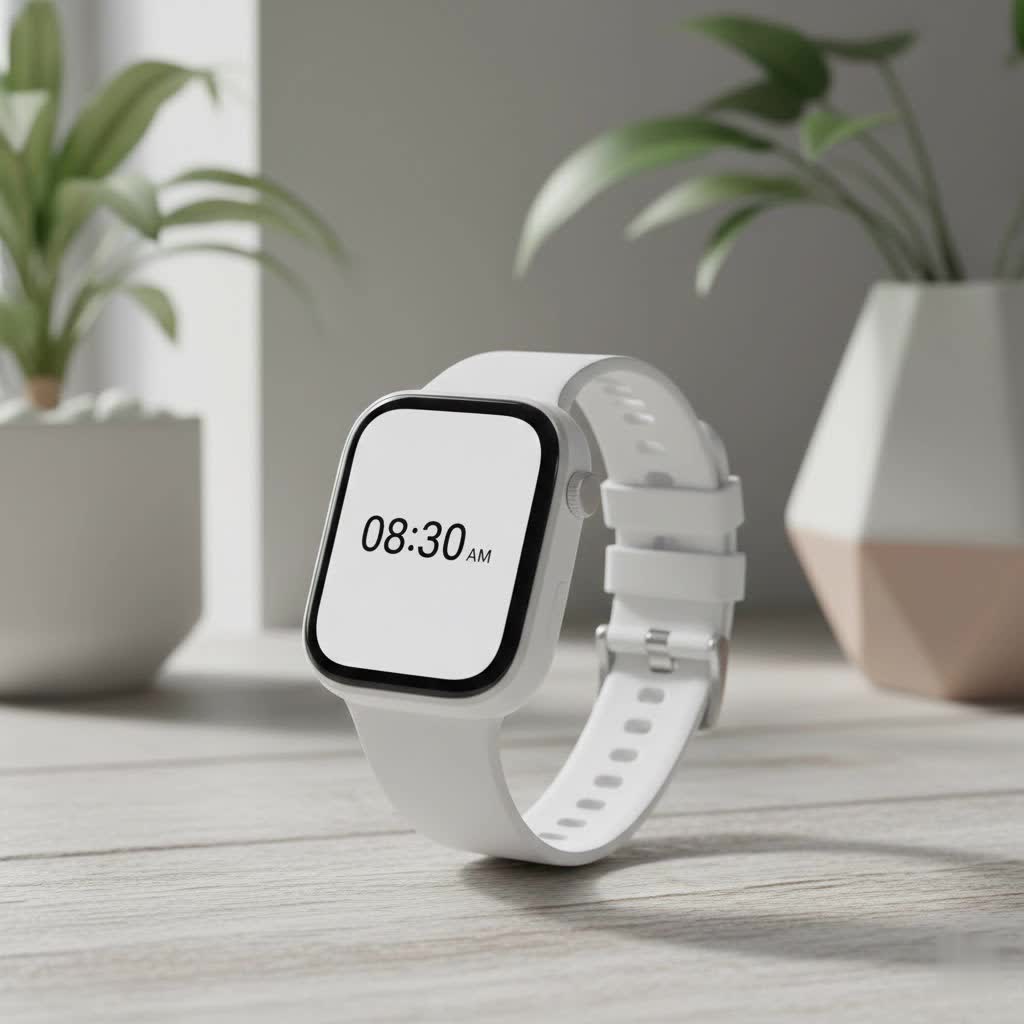
This guide will walk you through the best options available today, helping you understand what you gain—and what you might give up—when you look beyond Apple’s ecosystem.
Why Look for an Apple Watch Alternative?
The Apple Watch is a fantastic device, but it isn’t a one-size-fits-all solution. Many iPhone users actively seek alternatives for a few key reasons:
- Battery Life: This is the most common motivator. Many top-tier smartwatches from brands like Garmin can last for days or even weeks on a single charge, a stark contrast to the Apple Watch’s typical 18-36 hour lifespan.
- Specialized Fitness Features: If you are a dedicated runner, cyclist, or triathlete, you’ll find that companies like Garmin offer far more in-depth performance metrics, training analytics, and recovery data.
- Design and Style: You might simply prefer a different aesthetic. Many people favor the classic round-faced watch design, which is more common among other brands.
- Price: While Apple offers the SE model, many other compatible smartwatches provide excellent functionality at a more budget-friendly price point.
Understanding iPhone Compatibility: What Really Works?
Before diving into the top picks, it’s crucial to understand what “compatible” means. Most third-party smartwatches connect to your iPhone via Bluetooth and a dedicated app (like Garmin Connect or the Fitbit app). Through this connection, you can typically get:
- App notifications (messages, emails, social media)
- Call alerts (with the ability to accept or reject on the watch)
- Music controls for apps like Spotify and Apple Music
- Health and fitness data synced to the companion app
However, there are some limitations. Due to the tight integration of iOS, certain features are often reserved for the Apple Watch. The most significant one is the ability to reply to text messages. With a non-Apple watch, you can read iMessages and SMS texts, but you cannot send a reply from your wrist.
“While you lose some deep iOS integrations like iMessage replies, the gains in battery life and specialized health metrics can be a worthwhile trade-off for many users,” notes Alex Carter, a senior wearable tech analyst at Yhslj.com.
It’s also important to note that some popular smartwatches, specifically the newer Samsung Galaxy Watches (Watch 4 and newer) and the Google Pixel Watch, are not compatible with iPhones. These devices run on a version of Wear OS that is designed exclusively for Android.
The Best Smartwatches Compatible with iPhone in 2025
Here are the top contenders that offer a fantastic experience for iPhone users, each with its own unique strengths.
Garmin Venu 3: The Ultimate Fitness and Lifestyle Watch
Garmin has built its reputation on world-class GPS and fitness tracking, and the Venu 3 is its most polished lifestyle smartwatch yet. It strikes a perfect balance between advanced health monitoring and everyday smart features.
- Key Features: Brilliant AMOLED display, up to 14 days of battery life, advanced sleep coaching, Body Battery energy monitoring, extensive workout profiles, and on-watch music storage.
- iPhone Integration: It syncs flawlessly with the Garmin Connect app, which provides a wealth of health data. You can see all your phone’s notifications, and while you can’t reply to texts, you can see image thumbnails within the notification, which is a rare feature on third-party watches.
- Best For: Fitness enthusiasts who want deep health insights and incredible battery life without sacrificing a premium smartwatch look and feel.
|
Our Picks for the Best Smart Watch in 2026
As an Amazon Associate I earn from qualifying purchases.
|
||
| Num | Product | Action |
|---|---|---|
| 1 | WHOOP 5.0/MG Activity Tracker - 12 Month Membership - Health and Fitness Wearable – 24/7 Activity and Sleep Tracker, Personalized Coaching, Menstrual Cycle Insights – 14+ Days Battery Life |

|
| 2 | SAMSUNG Galaxy Watch 7 40mm Bluetooth AI Smartwatch w/Energy Score, Wellness Tips, Heart Rate Tracking, Sleep Monitor, Fitness Tracker, 2024, Cream [US Version, 1Yr Manufacturer Warranty] |
|
| 3 | Smart Watch for Women, 1.85\" AMOLED Always-On Display Screen Smartwatch for iPhone & Android, 3ATM Waterproof Fitness Tracker with Bluetooth Call, Heart Rate/Sleep/SpO2 Monitor, 100+ Sport Modes |
|
| 4 | Smart Watch(Answer/Make Call), 1.91\" Smartwatch for Men Women, NEW Fitness Watch with 110+ Sport Modes, Fitness Activity Tracke with Pedometer/Sleep Monitor/Heart Rate/IP68 Waterproof, for Android iOS |
|
| 5 | Smart Watch with Alexa Built-in, 1.83\" HD Touchscreen Fitness Tracker with Bluetooth Calling, Fitness Watch with Heart Rate/Sleep Monitor, 120+ Sports Modes, IP68 Waterproof Smartwatch for Android iOS |
|
| 6 | Amazfit Bip 6 Smart Watch 46mm, 14 Day Battery, 1.97\" AMOLED Display, GPS & Free Maps, AI, Bluetooth Call & Text, Health, Fitness & Sleep Tracker, 140+ Workout Modes, 5 ATM Water-Resistance, Black |
|
| 7 | Smart Watch for Men Women, 2026 Smartwatch(Answer/Make Call) , 1.91\" New Fitness Watch with 120+ Sport Modes, Fitness Tracke with Pedometer/Sleep Monitor/Heart Rate/IP68 Waterproof, for Android/iPhone |
|
| 8 | Garmin Forerunner 55, GPS Running Watch with Daily Suggested Workouts, Up to 2 Weeks of Battery Life, Black - 010-02562-00 |
|
| 9 | Smart Watch for Women Men, Smartwatch for iPhone & Android Bluetooth (Answer/Call) Built-in Alexa, 1.91\" HD Fitness Tracker with 105+ Sport Modes, IP68 Waterproof, Sleep/Heart Rate/SpO2/Stress Monitor |
|
| 10 | Amazfit Bip 6 Smart Watch 46mm, 14 Day Battery, 1.97\" AMOLED Display, GPS & Free Maps, AI, Bluetooth Call & Text, Health, Fitness & Sleep Tracker, 140+ Workout Modes, 5 ATM Water-Resistance, Black |
|
Fitbit Sense 2: The Master of Stress and Health Tracking
Now under the Google umbrella, Fitbit continues to excel in user-friendly health and wellness tracking. The Sense 2 is less of a high-performance sports watch and more of a holistic health monitor.
- Key Features: Continuous electrodermal activity (cEDA) sensor for all-day stress tracking, ECG app for heart rhythm assessment, skin temperature sensor, and detailed sleep analysis. It has a clean interface and around 6 days of battery life.
- iPhone Integration: The Fitbit app is one of the most intuitive and well-designed health apps available on iOS. It presents your data clearly, making it easy to track trends. All your core notifications come through reliably.
- Best For: Users who are primarily focused on monitoring stress, sleep quality, and general wellness in an easy-to-understand format.
Amazfit Balance: The Budget-Friendly Powerhouse
Amazfit has become a major player by offering feature-packed smartwatches at incredibly competitive prices. The Amazfit Balance provides a premium experience that defies its mid-range price tag.
- Key Features: Large, bright AMOLED screen, dual-band GPS for improved accuracy, body composition measurement, readiness scores, and an impressive battery life of up to 14 days.
- iPhone Integration: It pairs with the Zepp app, which offers a surprisingly deep dive into your health and fitness data. You get reliable notifications and a smooth overall experience on iOS.
- Best For: Anyone looking for the best value. It delivers 80% of the features of a high-end watch for less than half the price.
How to Choose the Right Smartwatch for Your iPhone
Making the final decision comes down to your personal priorities. Ask yourself these questions:
- What is my primary goal? Is it for marathon training, daily step counting, sleep tracking, or just getting notifications on my wrist?
- How important is battery life? Do I mind charging every night, or do I want a device that can last for a week or more?
- What’s my budget? Are you looking for a premium device or a more affordable option that covers the basics well?
- What style do I prefer? Do I want a sporty look, a classic round watch face, or a sleek and modern design?
Answering these will quickly narrow down the field and point you toward the perfect smart watch compatible with an iPhone for your lifestyle.
Frequently Asked Questions (FAQ)
Can I use a Samsung Galaxy Watch with an iPhone?
No, Samsung Galaxy Watch models from the Watch 4 series onward, which run on Wear OS, are not compatible with iPhones. They are designed for use with Android devices only.
Do all Garmin watches work well with iPhones?
Yes, the entire modern lineup of Garmin watches is fully compatible with iPhones through the Garmin Connect app. You get notifications, health data sync, and other features regardless of the model you choose.
What is the cheapest reliable smartwatch for an iPhone?
Brands like Amazfit and Wyze offer very affordable smartwatches that are compatible with iPhones. While they may lack some advanced sensors, they do a great job with basic activity tracking and notifications.
Can you make calls on a non-Apple watch with an iPhone?
Many compatible watches, including the Garmin Venu 3, allow you to accept incoming calls and speak through the watch’s built-in microphone and speaker, as long as your iPhone is connected via Bluetooth.
Is Apple Health integration as good with other watches?
While most companion apps (like Garmin Connect and Fitbit) can be set up to share some data with Apple Health (like steps, heart rate, and workouts), the integration is not as deep or seamless as it is with an Apple Watch. You will primarily be viewing your detailed data within the watch’s own companion app.
The Final Verdict
While the Apple Watch remains the most deeply integrated smartwatch for iPhone users, it is far from the only choice. For those who prioritize incredible battery life, specialized athletic tracking, or a different design, a smart watch compatible with an iPhone from a brand like Garmin or Fitbit can be a superior option. By understanding the minor trade-offs in iOS integration, you can confidently choose a device that better fits your specific needs and keeps you connected on your own terms.
