Getting started with wearable technology can feel overwhelming, but a Da Fit Smart Watch offers a straightforward and affordable entry point into tracking your health and staying connected. If you’ve recently acquired one of these devices or are considering it, you’re in the right place. This comprehensive guide will walk you through everything from setup and core features to troubleshooting common issues, helping you unlock the full potential of your new gadget.
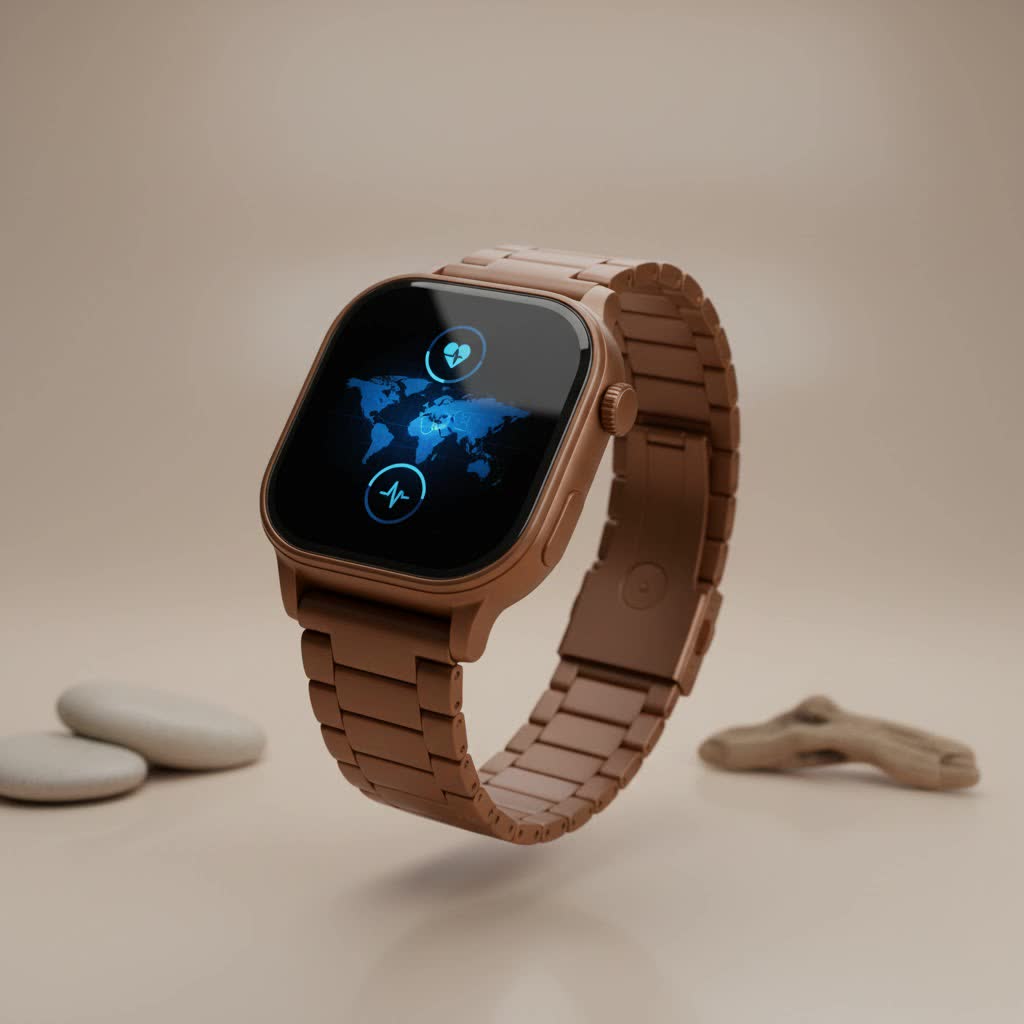
As the creator of Yhslj.com and a wearable technology expert with over a decade of experience, I’ve seen countless devices. The Da Fit ecosystem stands out for its simplicity and accessibility, making it a popular choice for those new to smartwatches. Let’s dive in and see what it’s all about.
What is a Da Fit Smart Watch, Exactly?
First, let’s clear up a common point of confusion. “Da Fit” isn’t a single brand of smartwatch. Instead, Da Fit is a popular mobile application that serves as the central hub for a wide variety of affordable smartwatches manufactured by different companies. When you buy a “Da Fit smart watch,” you are buying a device designed to sync exclusively with the Da Fit app.
This app is the brain behind the hardware, collecting data from your watch’s sensors, displaying it in a user-friendly format, and allowing you to customize your device’s settings. This app-centric approach allows manufacturers to focus on creating cost-effective hardware while providing a consistent software experience.
Unlocking the Core Features of Your Device
While the exact features can vary slightly between different watch models, most devices that pair with the Da Fit app offer a robust set of functionalities designed to cover all the essentials of health and connectivity.
Key Health and Fitness Tracking
- Activity Monitoring: Your watch will diligently track your daily steps, estimate calories burned, and record the distance you’ve traveled. It’s a great way to motivate yourself to move more throughout the day.
- Heart Rate Monitoring: Equipped with an optical sensor, the watch can monitor your heart rate in real-time or at set intervals, providing insights into your cardiovascular health during rest and exercise.
- Sleep Analysis: Wear your watch to bed, and the Da Fit app will provide a breakdown of your sleep patterns, showing you how much time you spent in light sleep, deep sleep, and awake periods.
- Blood Oxygen (SpO2): Many models include a sensor to measure your blood oxygen saturation levels, a key indicator of your overall respiratory health.
- Multiple Sport Modes: Whether you’re running, cycling, or walking, you can select the specific activity mode to get more tailored metrics for your workout.
|
Our Picks for the Best Smart Watch in 2026
As an Amazon Associate I earn from qualifying purchases.
|
||
| Num | Product | Action |
|---|---|---|
| 1 | Smart Watch for Women Men, Smartwatch for iPhone & Android Bluetooth (Answer/Call) Built-in Alexa, 1.91\" HD Fitness Tracker with 105+ Sport Modes, IP68 Waterproof, Sleep/Heart Rate/SpO2/Stress Monitor |

|
| 2 | Smart Watch(Answer/Make Call), 1.91\" Smartwatch for Men Women, NEW Fitness Watch with 110+ Sport Modes, Fitness Activity Tracke with Pedometer/Sleep Monitor/Heart Rate/IP68 Waterproof, for Android iOS |
|
| 3 | Garmin Forerunner 55, GPS Running Watch with Daily Suggested Workouts, Up to 2 Weeks of Battery Life, Black - 010-02562-00 |
|
| 4 | WHOOP 5.0/MG Activity Tracker - 12 Month Membership - Health and Fitness Wearable – 24/7 Activity and Sleep Tracker, Personalized Coaching, Menstrual Cycle Insights – 14+ Days Battery Life |
|
| 5 | Amazfit Bip 6 Smart Watch 46mm, 14 Day Battery, 1.97\" AMOLED Display, GPS & Free Maps, AI, Bluetooth Call & Text, Health, Fitness & Sleep Tracker, 140+ Workout Modes, 5 ATM Water-Resistance, Black |
|
| 6 | Smart Watch for Men Women, 2026 Smartwatch(Answer/Make Call) , 1.91\" New Fitness Watch with 120+ Sport Modes, Fitness Tracke with Pedometer/Sleep Monitor/Heart Rate/IP68 Waterproof, for Android/iPhone |
|
| 7 | Amazfit Bip 6 Smart Watch 46mm, 14 Day Battery, 1.97\" AMOLED Display, GPS & Free Maps, AI, Bluetooth Call & Text, Health, Fitness & Sleep Tracker, 140+ Workout Modes, 5 ATM Water-Resistance, Black |
|
| 8 | SAMSUNG Galaxy Watch 7 40mm Bluetooth AI Smartwatch w/Energy Score, Wellness Tips, Heart Rate Tracking, Sleep Monitor, Fitness Tracker, 2024, Cream [US Version, 1Yr Manufacturer Warranty] |
|
| 9 | Smart Watch for Women, 1.85\" AMOLED Always-On Display Screen Smartwatch for iPhone & Android, 3ATM Waterproof Fitness Tracker with Bluetooth Call, Heart Rate/Sleep/SpO2 Monitor, 100+ Sport Modes |
|
| 10 | Smart Watch with Alexa Built-in, 1.83\" HD Touchscreen Fitness Tracker with Bluetooth Calling, Fitness Watch with Heart Rate/Sleep Monitor, 120+ Sports Modes, IP68 Waterproof Smartwatch for Android iOS |
|
Smart Connectivity Features
- Call and Message Notifications: Receive alerts for incoming calls, text messages, and notifications from your favorite apps like WhatsApp, Facebook, and Instagram directly on your wrist.
- Music Control: Easily play, pause, or skip tracks on your phone without having to pull it out of your pocket.
- Customizable Watch Faces: Personalize your device by choosing from a vast library of watch faces in the Da Fit app or even uploading your own photo to use as a background.
- Weather Updates: Get a quick glance at the current weather forecast to plan your day accordingly.
How to Set Up Your Da Fit Smart Watch
Getting your new watch up and running is a simple process. Follow these steps to pair your device with your smartphone and start tracking.
- Charge Your Watch: Before you begin, make sure your smartwatch is fully charged. Use the magnetic charger included in the box. A full charge typically takes about two hours.
- Download the Da Fit App: Go to the Google Play Store (for Android) or the Apple App Store (for iOS) and search for “Da Fit.” Download and install the free application.
- Enable Bluetooth: On your smartphone, go to Settings and make sure your Bluetooth is turned on. Do not try to pair the watch directly from your phone’s Bluetooth menu; the connection must be made through the app.
- Pair Inside the App: Open the Da Fit app. You’ll be prompted to create a profile with your basic information (like height and weight) to ensure accurate tracking. Then, navigate to the device tab and tap “Add Device.” The app will search for your watch. Select it from the list to complete the pairing process.
- Grant Permissions: The app will ask for various permissions, such as access to notifications, contacts, and location services. It’s important to grant these for all features to work correctly.
Why Won’t My Da Fit Watch Connect?
Connection issues are one of the most common frustrations with any Bluetooth device. If you’re having trouble, here are a few things to try.
The most common reason for a connection failure is attempting to pair the watch through the phone’s native Bluetooth settings instead of the Da Fit app itself. Always initiate the connection from within the app. If it’s still not working, try turning your phone’s Bluetooth off and on again, restarting both your phone and the watch, and ensuring the watch is fully charged and close to your phone.
According to wearable technology analyst Dr. Alistair Finch, “With app-driven wearables, the software is the primary handshake. The device is designed to listen for a specific signal from its companion app, bypassing the standard Bluetooth menu. Forcing a connection there can often block the app from establishing its own, more stable link.”
Maximizing Your Battery Life
Most Da Fit compatible smartwatches boast excellent battery life, often lasting a week or more on a single charge. However, if you want to extend it even further, here are a few tips:
- Lower the Screen Brightness: A brighter screen is a major power drain.
- Reduce Notification Frequency: Limit notifications to only the most essential apps.
- Disable Continuous Heart Rate Monitoring: Switch to manual or less frequent automatic readings if you don’t need 24/7 tracking.
- Choose a Simple Watch Face: Complex, animated watch faces consume more energy.
Is a Da Fit Smart Watch the Right Choice for You?
A Da Fit smart watch is an excellent choice for budget-conscious consumers, beginners in the wearable space, or anyone who needs a reliable device for core health tracking and notifications. It provides incredible value by delivering the essential features of a premium smartwatch at a fraction of the cost.
However, if you are a serious athlete who requires high-precision GPS, advanced performance metrics, or third-party app integrations, you may want to consider a more specialized device from brands like Garmin or Apple. For the average user, the functionality offered by a Da Fit device is more than sufficient for building healthier habits and staying conveniently connected.
Frequently Asked Questions (FAQ)
Q: Can I respond to messages on a Da Fit smart watch?
A: No, these watches are designed to display notifications, but they do not support replying to texts or messages directly from the device. You can, however, see who is calling and reject the call from your wrist.
Q: Are Da Fit smart watches waterproof?
A: Most models are water-resistant, typically with an IP67 or IP68 rating. This means they can handle sweat, rain, and being submerged in shallow water. However, it’s not recommended to wear them while swimming in hot water or the ocean.
Q: Is the Da Fit app free to use?
A: Yes, the Da Fit app is completely free to download and use. There are no subscription fees required to access its features.
Q: How accurate is the step and heart rate tracking?
A: The accuracy is generally good for everyday use and trend monitoring. While it may not be as precise as medical-grade equipment or high-end sports watches, it provides a reliable estimate for most users to track their daily activity and general fitness levels.
Q: Can I use a different app with my Da Fit watch?
A: No, these watches are designed to work exclusively with the Da Fit app. You will not be able to connect them to other fitness platforms like Google Fit or Apple Health directly, though some data may be shareable from the Da Fit app itself.
Your Journey to a Healthier Life Starts Here
Embracing a Da Fit smart watch is about more than just technology; it’s about taking a proactive step toward understanding your health and habits. By providing accessible data on your activity, sleep, and key vital signs, this simple yet powerful device empowers you to make smarter choices every day. It proves that you don’t need to spend a fortune to gain valuable insights and stay connected on the go. Now that you’re armed with this knowledge, you can confidently make the most of your new wearable companion.
