Your smart watch rate, more commonly known as your heart rate, is a critical metric for understanding your fitness, stress levels, and overall cardiovascular health. Modern smartwatches use photoplethysmography (PPG) technology, flashing green LEDs hundreds of times per second to measure blood flow changes in your wrist and translate them into beats per minute (BPM). This guide explains how to interpret these readings for better health management.
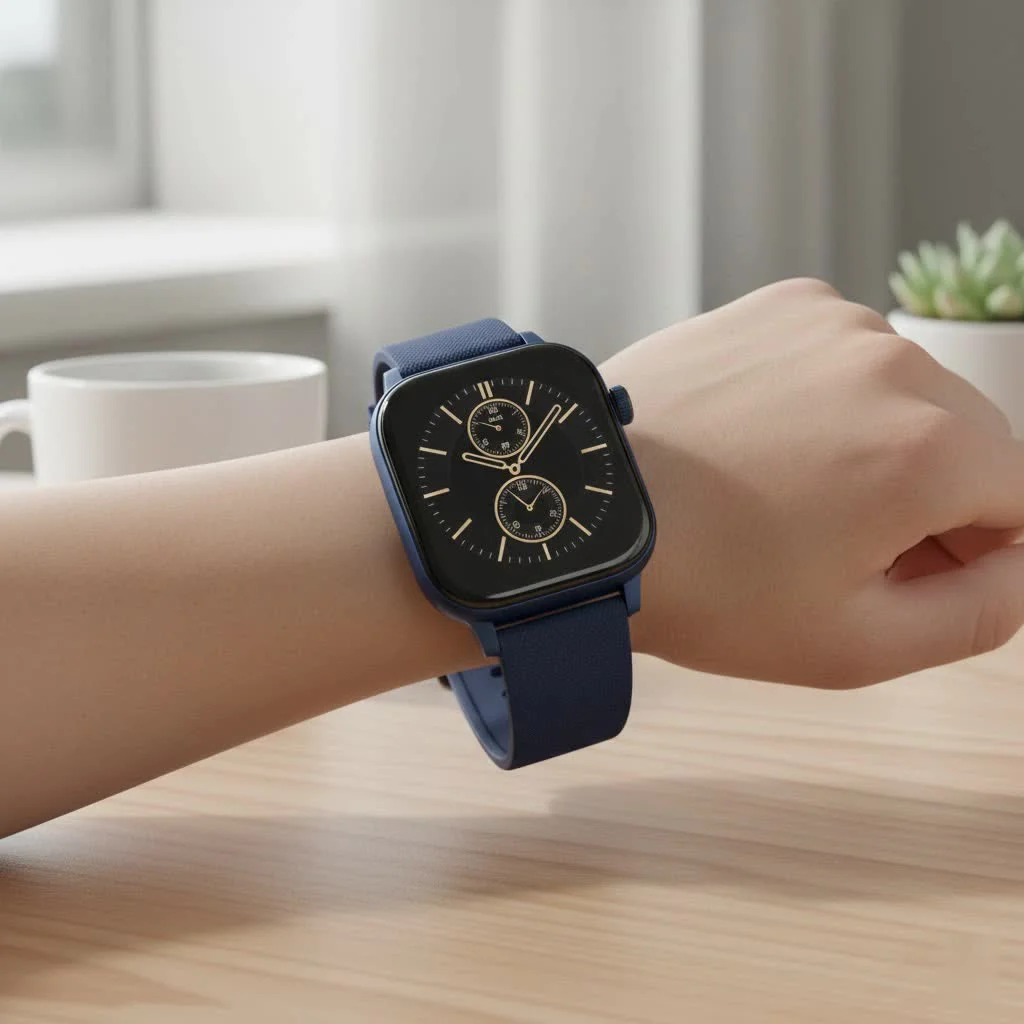
How Does Your Smart Watch Measure Your Heart Rate?
Ever noticed those flashing green lights on the back of your watch? That’s not just for show; it’s the core of a sophisticated technology called photoplethysmography (PPG). It might sound complex, but the principle is quite simple. For compare top smart watches on this site.
Blood is red because it reflects red light and absorbs green light. When your heart beats, blood flow in your wrist increases, causing more green light to be absorbed. Between beats, the blood flow lessens, and more green light is reflected. The sensors on your smart watch flash those green LEDs hundreds of times per second to measure these changes, and a sophisticated algorithm translates this light data into a heart rate reading—your beats per minute (BPM).
Understanding the Different Types of Heart Rate Data
Your smart watch doesn’t just give you a single number. It provides context by tracking your heart rate in different states, each telling a unique story about your health.
Resting Heart Rate (RHR): Your Health Baseline
Your Resting Heart Rate is the number of times your heart beats per minute when you are at complete rest—calm, relaxed, and not ill. Most watches calculate this while you’re sleeping. For most adults, a normal RHR falls between 60 and 100 BPM. A lower RHR often points to a more efficient heart and better cardiovascular fitness. For example, a well-trained athlete might have an RHR closer to 40 BPM. Tracking your RHR over time is a great way to monitor your fitness progress.
Active Heart Rate: Your Guide to Effective Workouts
During exercise, your heart rate naturally increases. Monitoring this active heart rate allows you to train smarter, not just harder. Smart watches help you visualize this by breaking down your effort into different “heart rate zones,” such as:
- Warm-up/Light Zone: Low-intensity activity, perfect for preparing your body for exercise.
- Fat Burn Zone: A slightly higher intensity where your body primarily uses fat for fuel.
- Cardio Zone: The sweet spot for improving cardiovascular endurance.
- Peak Zone: Your maximum effort, sustainable for only short bursts.
By training in these zones, you can tailor your workouts to meet specific goals, whether it’s burning fat, building endurance, or improving speed.
Heart Rate Variability (HRV): The Secret to Recovery
|
Our Picks for the Best Smart Watch in 2026
As an Amazon Associate I earn from qualifying purchases.
|
||
| Num | Product | Action |
|---|---|---|
| 1 | WHOOP 5.0/MG Activity Tracker - 12 Month Membership - Health and Fitness Wearable – 24/7 Activity and Sleep Tracker, Personalized Coaching, Menstrual Cycle Insights – 14+ Days Battery Life |

|
| 2 | Smart Watch for Women Men, Smartwatch for iPhone & Android Bluetooth (Answer/Call) Built-in Alexa, 1.91\" HD Fitness Tracker with 105+ Sport Modes, IP68 Waterproof, Sleep/Heart Rate/SpO2/Stress Monitor |
|
| 3 | Amazfit Bip 6 Smart Watch 46mm, 14 Day Battery, 1.97\" AMOLED Display, GPS & Free Maps, AI, Bluetooth Call & Text, Health, Fitness & Sleep Tracker, 140+ Workout Modes, 5 ATM Water-Resistance, Black |
|
| 4 | Smart Watch for Women, 1.85\" AMOLED Always-On Display Screen Smartwatch for iPhone & Android, 3ATM Waterproof Fitness Tracker with Bluetooth Call, Heart Rate/Sleep/SpO2 Monitor, 100+ Sport Modes |
|
| 5 | Amazfit Bip 6 Smart Watch 46mm, 14 Day Battery, 1.97\" AMOLED Display, GPS & Free Maps, AI, Bluetooth Call & Text, Health, Fitness & Sleep Tracker, 140+ Workout Modes, 5 ATM Water-Resistance, Black |
|
| 6 | SAMSUNG Galaxy Watch 7 40mm Bluetooth AI Smartwatch w/Energy Score, Wellness Tips, Heart Rate Tracking, Sleep Monitor, Fitness Tracker, 2024, Cream [US Version, 1Yr Manufacturer Warranty] |
|
| 7 | Smart Watch with Alexa Built-in, 1.83\" HD Touchscreen Fitness Tracker with Bluetooth Calling, Fitness Watch with Heart Rate/Sleep Monitor, 120+ Sports Modes, IP68 Waterproof Smartwatch for Android iOS |
|
| 8 | Smart Watch for Men Women, 2026 Smartwatch(Answer/Make Call) , 1.91\" New Fitness Watch with 120+ Sport Modes, Fitness Tracke with Pedometer/Sleep Monitor/Heart Rate/IP68 Waterproof, for Android/iPhone |
|
| 9 | Smart Watch(Answer/Make Call), 1.91\" Smartwatch for Men Women, NEW Fitness Watch with 110+ Sport Modes, Fitness Activity Tracke with Pedometer/Sleep Monitor/Heart Rate/IP68 Waterproof, for Android iOS |
|
| 10 | Garmin Forerunner 55, GPS Running Watch with Daily Suggested Workouts, Up to 2 Weeks of Battery Life, Black - 010-02562-00 |
|
Heart Rate Variability measures the tiny variations in time between each of your heartbeats. It might seem counterintuitive, but a higher HRV is generally better. It indicates that your autonomic nervous system is balanced and adaptable, able to handle stress and recover effectively from exercise. A consistently low HRV can be a sign of overtraining, stress, or even impending illness.
How Accurate is a Smart Watch Heart Rate Monitor?
While a chest strap monitor is still considered the gold standard for accuracy, modern smart watches have become remarkably reliable for everyday use and most forms of exercise. The accuracy of a wrist-based PPG sensor can, however, be affected by several factors:
- Watch Fit: A loose watch can move around, allowing ambient light to interfere with the sensor. It should be snug but not uncomfortably tight.
- Movement: Activities with irregular wrist movements, like kettlebell swings or high-intensity interval training, can sometimes challenge the sensors.
- Skin Tone and Tattoos: Darker skin pigmentation and tattoos can sometimes make it harder for the sensors to get a clear reading, though algorithms are constantly improving to account for this.
“For the average person looking to monitor their fitness and general heart health, a modern smartwatch offers excellent, actionable data,” notes Dr. Evelyn Reed, a leading sports cardiologist. “The key is to look at trends over time rather than obsessing over a single, isolated reading.”
Tips for Getting the Most Accurate Reading
To ensure you’re getting the best data possible from your device, follow these simple steps:
- Wear It Correctly: Fasten the watch so it’s snug against your skin, about a finger’s width above your wrist bone.
- Keep It Clean: Regularly wipe the back of your watch to clean the sensors of sweat and lotion buildup.
- Stay Still for Spot Checks: If you’re taking a manual reading, stay still and quiet for about 30 seconds.
- Update Your Software: Manufacturers frequently release updates that improve the accuracy of their tracking algorithms.
Frequently Asked Questions (FAQ)
What is a normal smart watch rate?
A normal resting heart rate for adults is typically between 60 and 100 beats per minute. During exercise, your heart rate can safely go much higher, depending on your age and fitness level.
Can a smartwatch detect heart problems?
Some advanced smartwatches have features like an ECG (electrocardiogram) app that can detect signs of atrial fibrillation (AFib), an irregular heart rhythm. While they are powerful screening tools, they are not medical devices and cannot diagnose a heart attack. Always consult a doctor for any medical concerns.
Why is my smart watch rate reading unusually high or low?
Many factors can influence your heart rate, including stress, caffeine, dehydration, lack of sleep, or a tough workout. If you notice a sudden, sustained change in your resting heart rate without an obvious cause, it’s a good idea to speak with a healthcare professional.
Which smartwatch has the most accurate heart rate monitor?
While accuracy can vary slightly between models and brands, major players like Apple, Garmin, and Fitbit are widely recognized for their reliable heart rate tracking technology. The best choice often depends on your specific needs and ecosystem preference.
Your Health in Your Hands
Your smart watch rate is more than just a number; it’s a dynamic and personal insight into how your body is performing. By paying attention to your resting heart rate, active zones, and variability, you can make more informed decisions about your workouts, manage stress more effectively, and take proactive control of your cardiovascular health. Use this powerful tool to listen to your body and guide you on your path to a healthier life.
Frequently Asked Questions
What is a normal smart watch heart rate?
A normal resting heart rate for adults typically ranges between 60 and 100 beats per minute (BPM). During exercise, your heart rate can safely increase significantly, with optimal ranges depending on your age and fitness level.
Can a smartwatch detect heart problems like AFib?
Some advanced smartwatches include an ECG (electrocardiogram) app capable of detecting signs of atrial fibrillation (AFib), an irregular heart rhythm. These features are powerful screening tools but are not medical devices and cannot diagnose a heart attack; always consult a doctor for medical concerns.
Why might my smartwatch heart rate reading be unusually high or low?
Many factors can influence your heart rate, including stress, caffeine intake, dehydration, insufficient sleep, or intense physical activity. If you observe a sudden, sustained change in your resting heart rate without an obvious explanation, it is advisable to consult a healthcare professional.
Which smartwatch brands offer the most accurate heart rate monitors?
While accuracy can vary slightly across models and brands, major manufacturers like Apple, Garmin, and Fitbit are widely recognized for their reliable heart rate tracking technology. The best choice often depends on individual needs and preferred device ecosystem.
How does photoplethysmography (PPG) work in smartwatches?
Photoplethysmography (PPG) technology in smartwatches uses green LEDs to flash light onto the wrist. Blood absorbs green light, so as blood flow increases with each heartbeat, more green light is absorbed. The sensors detect these changes in reflected light, and algorithms convert this data into a heart rate reading in BPM.
Get Accurate Smartwatch Heart Rate Readings
Follow these steps to ensure your smartwatch provides the most accurate heart rate data for monitoring your health and fitness.
Fasten the watch snugly against your skin, positioning it about a finger's width above your wrist bone. A loose fit can allow ambient light to interfere with the sensor, leading to inaccurate readings.
Regularly wipe the back of your smartwatch to clean the sensors. Sweat, lotions, and dirt buildup can obstruct the light signals, reducing the accuracy of heart rate measurements.
If you are taking a manual heart rate reading, remain still and quiet for approximately 30 seconds. Movement can disrupt the sensor's ability to get a clear and consistent reading.
Ensure your smartwatch's software is always up to date. Manufacturers frequently release updates that include improvements to their tracking algorithms, enhancing the accuracy and reliability of heart rate monitoring.
Smart home that does not lock you in
Free PDF — protocol compatibility matrix for 30 hubs and devices.

As someone who’s always curious about the ‘how,’ the explanation of how blood absorbs green light and reflects red light was fascinating. It makes perfect sense why smartwatches use green LEDs for heart rate monitoring. My Samsung Galaxy Watch has been incredibly reliable, and knowing the science behind it just adds to my confidence in its health tracking features.
I’ve been using my Apple Watch to track my heart rate for a while now, and it’s been a game-changer. Understanding how the PPG technology works with those green LEDs really helped me trust the readings more. It’s amazing how accurately it picks up even slight changes, which is super helpful for my cardio workouts and managing stress.
This guide was really useful for understanding my smart watch rate. I always saw the BPM numbers but never really knew what they meant beyond ‘fast’ or ‘slow.’ Now I have a better grasp on interpreting those readings for my overall cardiovascular health. My Garmin has been pretty consistent, and knowing the tech behind it makes me appreciate it more.
My Fitbit is generally good for tracking my heart rate, but sometimes I feel like the readings are a bit off, especially during intense exercise. I appreciate learning about the photoplethysmography, but I wish there was more info on how to troubleshoot when it seems inaccurate. It’s still helpful for general trends, but I’m not always confident in the real-time numbers.