In today’s fast-paced world, convenience is king. We’re always looking for ways to streamline our daily tasks, and that’s where a smart watch with NFC comes into play. This tiny piece of technology in your wristwear can completely change how you interact with the world, especially when it comes to making payments. Forget fumbling for your wallet or phone; a simple tap of your watch is all it takes.
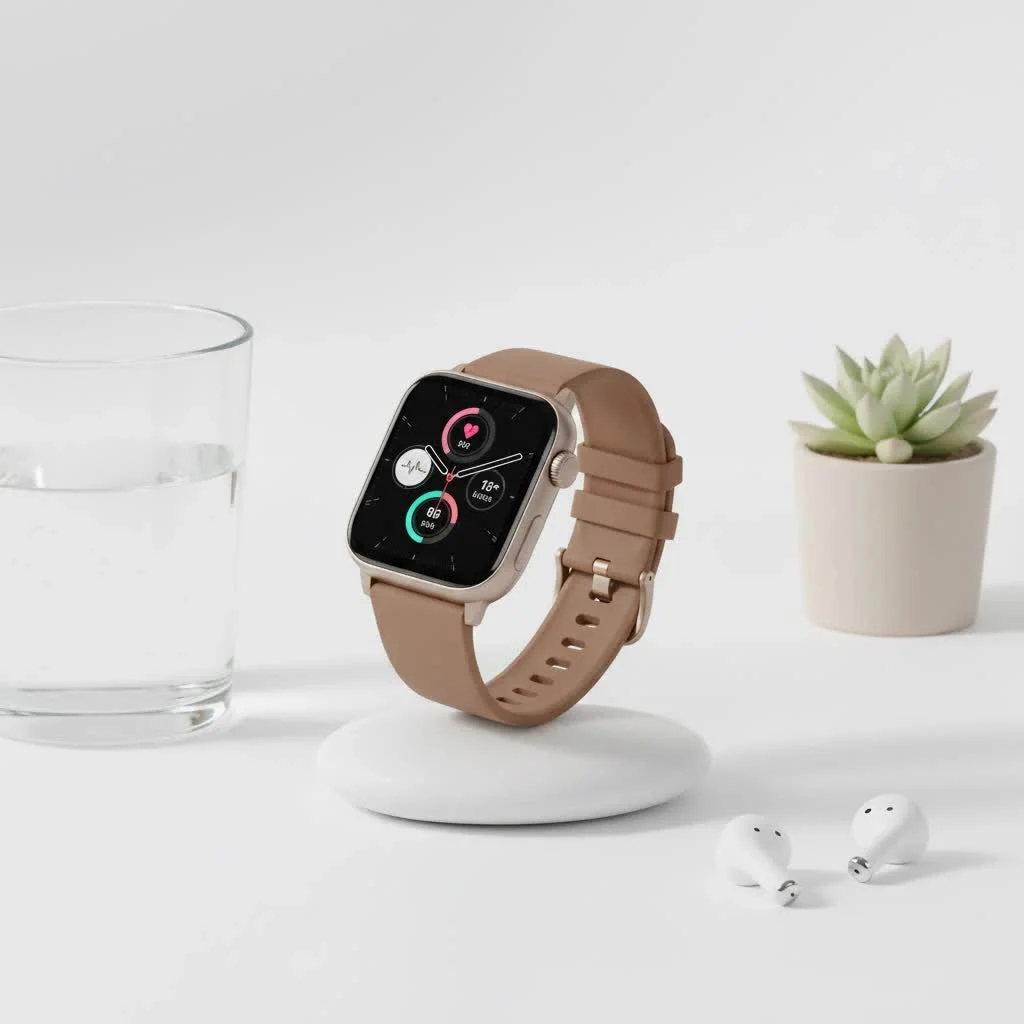
But what exactly is NFC, and how does it work in a smartwatch? NFC, or Near Field Communication, is a short-range wireless technology that allows two devices to exchange data when they’re brought close together, typically within a few centimeters. It’s the same technology that powers contactless credit cards and mobile payment services like Apple Pay and Google Pay. When integrated into a smartwatch, it transforms your device into a secure, wearable digital wallet.
How Do NFC Payments Work on a Smartwatch?
Using a smart watch with NFC for payments is incredibly simple and secure. The process relies on a technology called tokenization. When you add your credit or debit card to your watch’s payment app (like Apple Pay, Google Pay, or Samsung Pay), the app doesn’t store your actual card numbers on the device. Instead, it creates a unique digital “token” or a virtual account number.
When you hold your watch near a compatible payment terminal:
- The NFC chip in your watch securely transmits this token to the terminal.
- The payment network then verifies the token and approves the transaction.
- Your actual card details are never exposed to the merchant, adding a powerful layer of security.
This process is not only secure but also lightning-fast, making checkout lines a breeze. Most smartwatches also require a PIN or biometric authentication on your wrist before enabling a payment, so even if your watch is lost or stolen, your financial information remains safe.
Key Benefits of Using an NFC-Enabled Smartwatch
Opting for a smartwatch with this capability offers more than just a cool way to pay for your coffee. It provides tangible benefits that enhance your daily life.
- Ultimate Convenience: Your watch is always on your wrist, making it far more accessible than a wallet or phone. It’s perfect for when you’re on a run, carrying groceries, or using public transportation.
- Enhanced Security: As mentioned, tokenization makes it significantly more secure than carrying physical cards, which can be easily lost or skimmed.
- Improved Hygiene: In a world more conscious of germs, touchless payments mean you don’t have to handle cash, keypads, or hand your card to a cashier.
- Speed and Efficiency: Contactless transactions are processed in seconds, saving you valuable time during busy days.
- Wallet-Free Freedom: Imagine going for a workout or a quick trip to the store with nothing but your smartwatch. NFC technology makes this a reality.
What Are the Best Smartwatches with NFC?
The market is filled with excellent options for every type of user, whether you’re an Apple enthusiast, an Android loyalist, or a fitness fanatic. Here are some of the top contenders that masterfully integrate NFC technology.
For the Apple User: Apple Watch Series
|
Our Picks for the Best Smart Watch in 2026
As an Amazon Associate I earn from qualifying purchases.
|
||
| Num | Product | Action |
|---|---|---|
| 1 | Smart Watch(Answer/Make Call), 1.91\" Smartwatch for Men Women, NEW Fitness Watch with 110+ Sport Modes, Fitness Activity Tracke with Pedometer/Sleep Monitor/Heart Rate/IP68 Waterproof, for Android iOS |

|
| 2 | Smart Watch with Alexa Built-in, 1.83\" HD Touchscreen Fitness Tracker with Bluetooth Calling, Fitness Watch with Heart Rate/Sleep Monitor, 120+ Sports Modes, IP68 Waterproof Smartwatch for Android iOS |
|
| 3 | Smart Watch for Men Women, 2026 Smartwatch(Answer/Make Call) , 1.91\" New Fitness Watch with 120+ Sport Modes, Fitness Tracke with Pedometer/Sleep Monitor/Heart Rate/IP68 Waterproof, for Android/iPhone |
|
| 4 | Amazfit Bip 6 Smart Watch 46mm, 14 Day Battery, 1.97\" AMOLED Display, GPS & Free Maps, AI, Bluetooth Call & Text, Health, Fitness & Sleep Tracker, 140+ Workout Modes, 5 ATM Water-Resistance, Black |
|
| 5 | Smart Watch for Women, 1.85\" AMOLED Always-On Display Screen Smartwatch for iPhone & Android, 3ATM Waterproof Fitness Tracker with Bluetooth Call, Heart Rate/Sleep/SpO2 Monitor, 100+ Sport Modes |
|
| 6 | Garmin Forerunner 55, GPS Running Watch with Daily Suggested Workouts, Up to 2 Weeks of Battery Life, Black - 010-02562-00 |
|
| 7 | SAMSUNG Galaxy Watch 7 40mm Bluetooth AI Smartwatch w/Energy Score, Wellness Tips, Heart Rate Tracking, Sleep Monitor, Fitness Tracker, 2024, Cream [US Version, 1Yr Manufacturer Warranty] |
|
| 8 | Amazfit Bip 6 Smart Watch 46mm, 14 Day Battery, 1.97\" AMOLED Display, GPS & Free Maps, AI, Bluetooth Call & Text, Health, Fitness & Sleep Tracker, 140+ Workout Modes, 5 ATM Water-Resistance, Black |
|
| 9 | Smart Watch for Women Men, Smartwatch for iPhone & Android Bluetooth (Answer/Call) Built-in Alexa, 1.91\" HD Fitness Tracker with 105+ Sport Modes, IP68 Waterproof, Sleep/Heart Rate/SpO2/Stress Monitor |
|
| 10 | WHOOP 5.0/MG Activity Tracker - 12 Month Membership - Health and Fitness Wearable – 24/7 Activity and Sleep Tracker, Personalized Coaching, Menstrual Cycle Insights – 14+ Days Battery Life |
|
The Apple Watch is often considered the gold standard in the smartwatch industry, and its implementation of NFC through Apple Pay is seamless. Every model from the Apple Watch Series 1 onwards includes an NFC chip, making it a reliable choice for contactless payments. The setup is intuitive, and the double-press of the side button to activate Apple Pay is quick and easy.
For the Android User: Samsung Galaxy Watch & Google Pixel Watch
On the Android side, you have fantastic choices. The Samsung Galaxy Watch series is a leader, offering robust support for both Samsung Pay and Google Pay. These watches boast a stylish design, comprehensive health tracking, and a powerful NFC feature set.
The Google Pixel Watch is another top-tier option, offering a pure, streamlined Wear OS experience. Its integration with Google Wallet is, as you’d expect, flawless. It’s an excellent choice for those who want a clean software experience and deep integration with Google’s ecosystem.
For Fitness Enthusiasts: Garmin and Fitbit
Garmin and Fitbit have successfully bridged the gap between dedicated fitness trackers and full-featured smartwatches.
- Garmin: Many mid-to-high-end Garmin watches, like the Venu, Fenix, and Forerunner series, come equipped with Garmin Pay. This is a huge advantage for athletes who want to grab a post-run drink without having to carry a wallet or phone.
- Fitbit: Since being acquired by Google, Fitbit has strengthened its smart features. Devices like the Fitbit Sense and Versa series support Fitbit Pay or Google Wallet, allowing you to make payments directly from your wrist after a workout session.
How to Set Up and Use NFC on Your Smartwatch
Getting started with contactless payments on your new smart watch with NFC is a straightforward process. While the exact steps may vary slightly between brands, the general workflow is very similar.
- Open the Companion App: On your smartphone, open the corresponding watch app (e.g., the Watch app for Apple Watch, Galaxy Wearable for Samsung, or the Fitbit app).
- Navigate to the Wallet/Pay Section: Find the section labeled “Wallet,” “Apple Pay,” “Google Wallet,” or “Garmin Pay.”
- Add Your Card: Tap the option to “Add Card.” You will likely be prompted to scan your physical card with your phone’s camera or enter the details manually.
- Verify with Your Bank: Your bank will need to verify the card. This is usually done through a text message, email, or a quick verification within your banking app.
- Set as Default (Optional): If you add multiple cards, you can choose one to be your default payment method.
- Start Paying: You’re all set! To make a payment, simply activate the payment feature on your watch (often with a double-press of a button) and hold it near the contactless symbol on the payment terminal.
As a tech analyst, I’ve seen many features come and go, but NFC in smartwatches is one that has fundamentally improved user convenience. “The ability to securely leave your wallet behind is not just a novelty; it’s a practical evolution in personal technology,” says tech expert Alex Greyson.
Frequently Asked Questions (FAQ)
Is using a smart watch with NFC for payments safe?
Yes, it is extremely safe. It’s often more secure than using a physical card because of tokenization, which masks your real card number. Furthermore, most watches require a PIN or password on your wrist to authorize payments, adding another layer of security.
Can I use my smartwatch to pay if it’s not connected to my phone?
Absolutely. The NFC chip and the payment tokens are stored directly on your smartwatch. This means you can make payments even if you’ve left your smartphone at home or if it’s out of battery.
Do all stores accept smartwatch payments?
You can use your smartwatch at any store that has a payment terminal with the contactless symbol (it looks like a sideways Wi-Fi symbol). This technology is now widely available in supermarkets, restaurants, transit systems, and retail stores around the world.
What’s the difference between Google Pay, Apple Pay, and Samsung Pay?
Functionally, they all achieve the same goal of secure contactless payments. The main difference is the ecosystem they are tied to. Apple Pay is for Apple devices, while Google Pay (now Google Wallet) is the standard for most Wear OS watches. Samsung Pay is available on Samsung devices and has the unique advantage of also supporting MST (Magnetic Secure Transmission) on some older watch models, which allows it to work with traditional card swipe terminals.
Does using NFC drain my smartwatch battery?
The NFC chip itself consumes a negligible amount of power. It’s a passive technology that only activates for a few seconds when you are making a transaction. Its impact on your watch’s overall battery life is minimal.
Final Thoughts
A smart watch with NFC is more than just a gadget; it’s a tool that adds a new level of simplicity and security to your daily transactions. The freedom to move through your day without a bulky wallet is a game-changer. Whether you’re an Apple fan, an Android user, or a fitness buff, there is a perfect NFC-enabled smartwatch out there for you. By embracing this technology, you’re not just buying a new watch—you’re upgrading your lifestyle.
Smart home that does not lock you in
Free PDF — protocol compatibility matrix for 30 hubs and devices.